
Go cardless
Irving Rewards just got easier.
Earn your rewards, every time! You can now use your verified phone number instead of swiping your Irving Rewards card to earn and redeem rewards in the store and at the pump
How to set up your Alt ID:
You will need to verify your phone number in the Account section of your Irving Rewards profile to be able to use it as your Alt ID. Here’s how to do this:
- Log in to your Irving Rewards account
- Navigate to the Account tab on the top navigation bar
- Toggle the switch to verify your phone number
- A 6-digit verification code will be texted to your mobile device
- Enter the code to complete the verification process
Once verified, your phone number will be ready to use as your Alt ID at the pump or in the store.
Note: If your phone number is marked as “unverified,” your Alt ID will not work. You cannot change your verified phone number after verification has been completed but you can disable and enable it again at any time.
How to use your phone number:
It’s easy! Simply enter your verified 10-digit phone number when prompted at the pump or in the store.
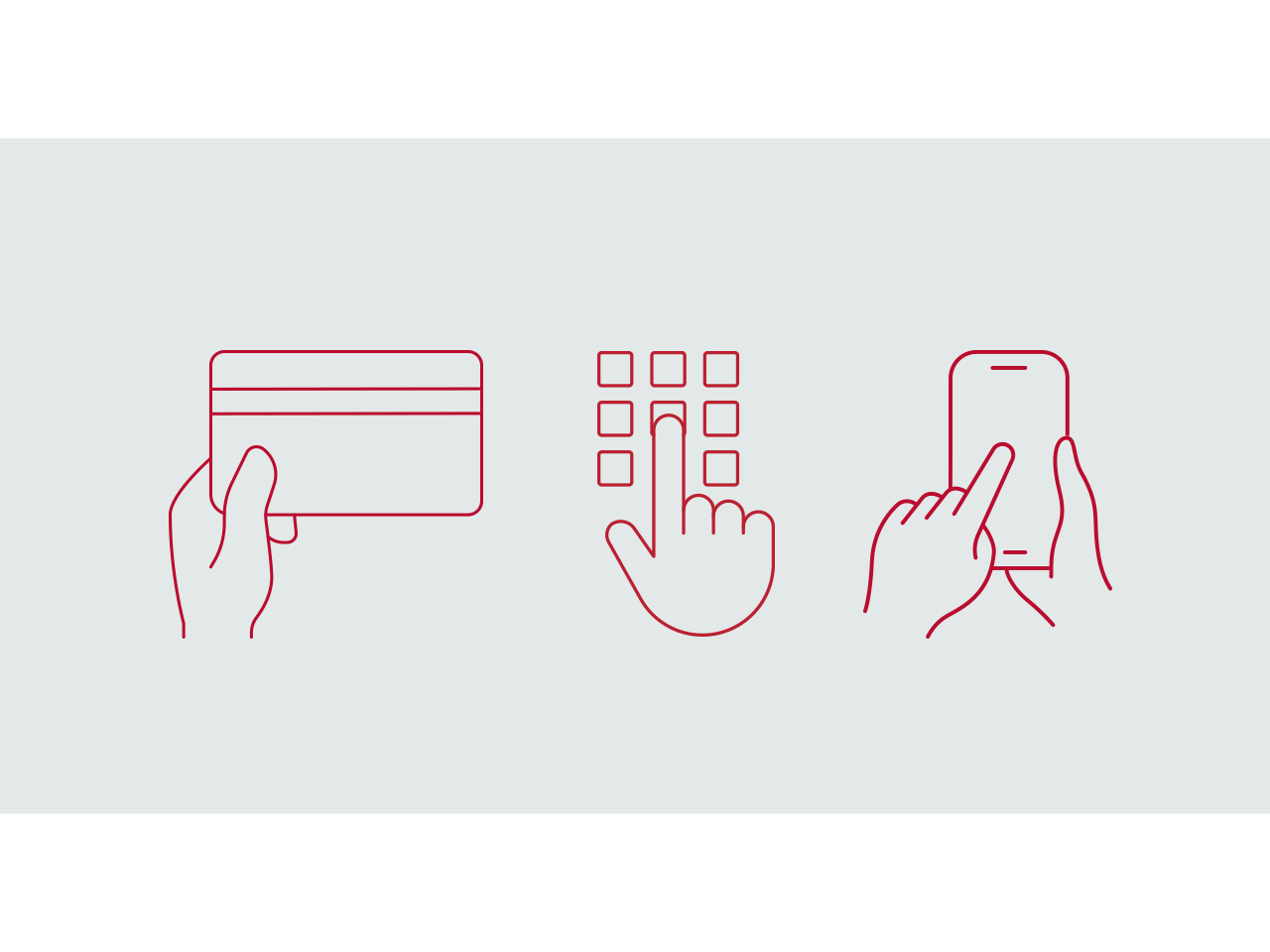
You now have three ways to earn and redeem rewards
- Swipe your Irving Rewards card
- Enter your Alt ID (phone number)
- Use the MyIRVING mobile app for Irving Debit Pay purchases
Using Irving Debit Pay?
For your security, Irving Debit Pay cannot be accessed using your Alt ID. If you would like to go card-free with Irving Debit Pay, please download the MyIRVING app and enjoy the convenience of Mobile Pay.
Promo component